|
|
||
 |
|
|
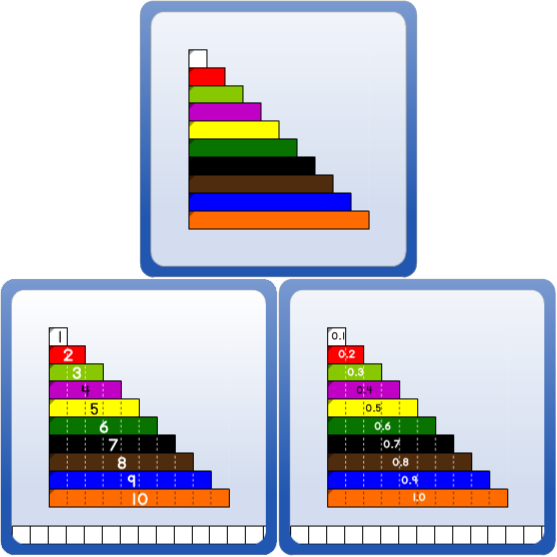
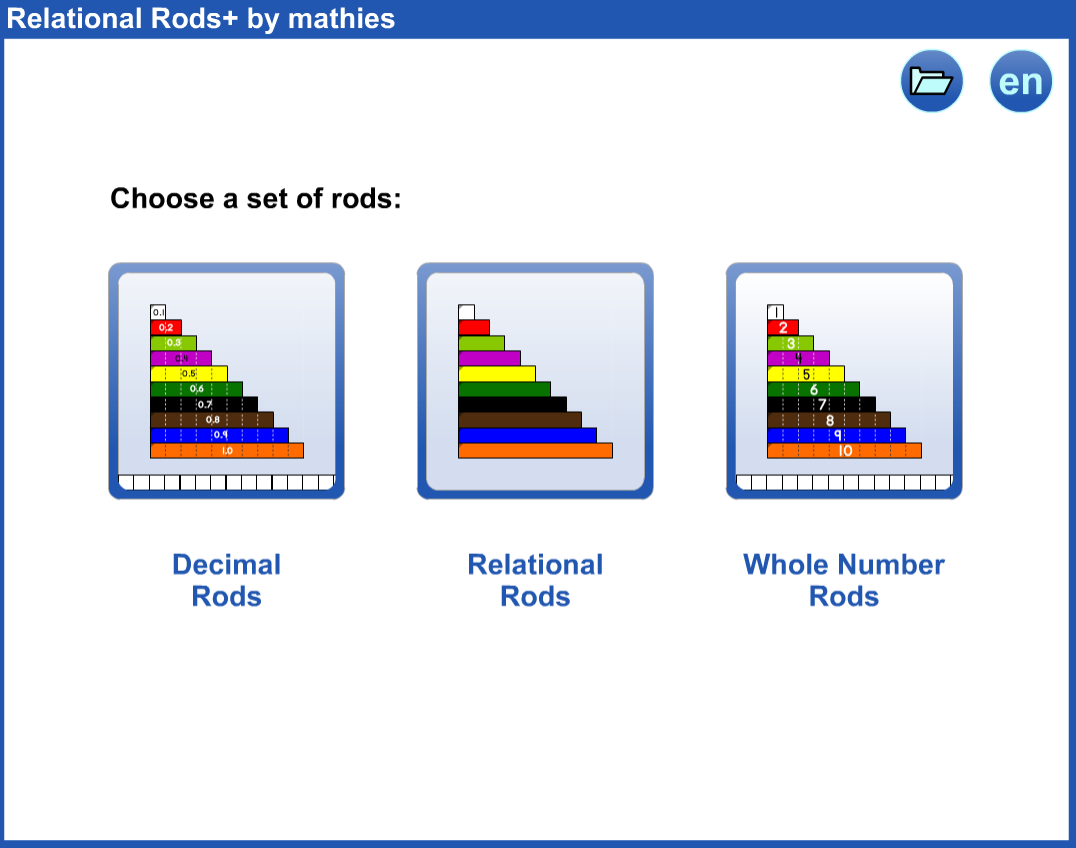
Relational Rods+ includes:
|
 button to communicate your thinking.
 button.
 |
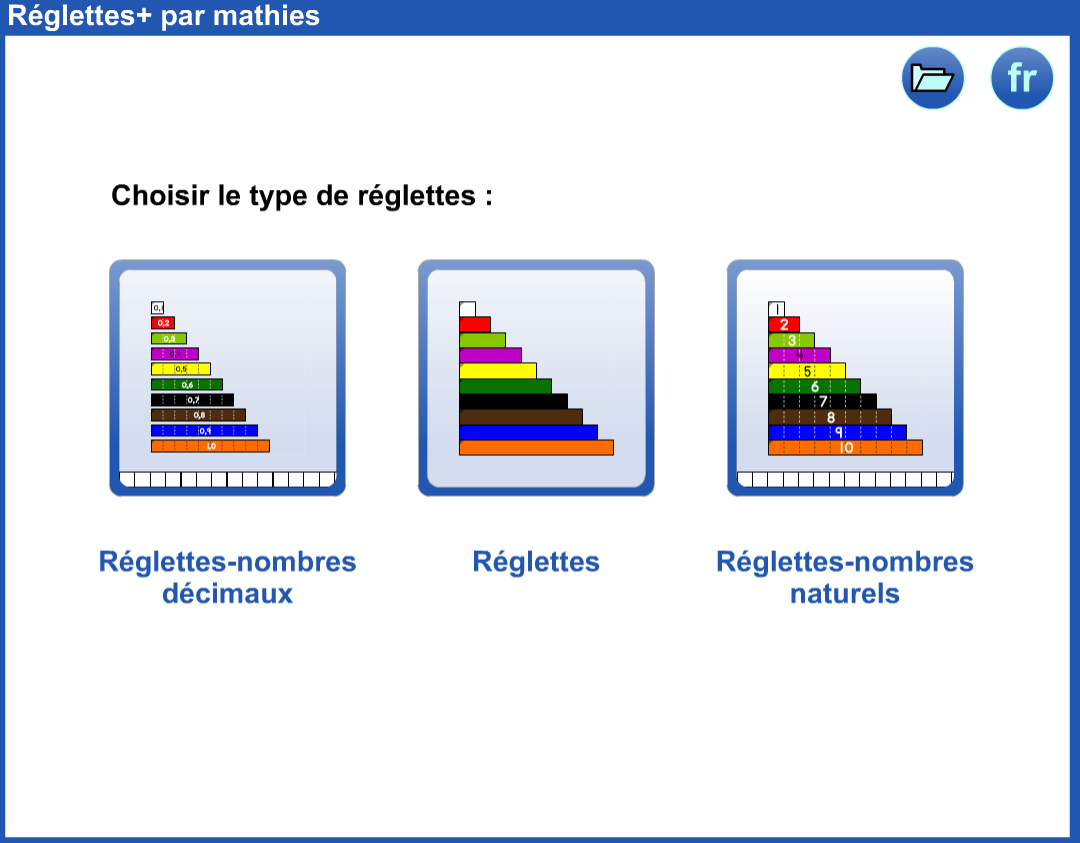 |
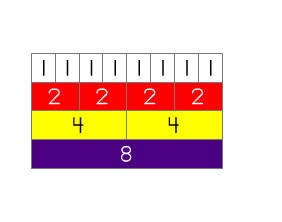
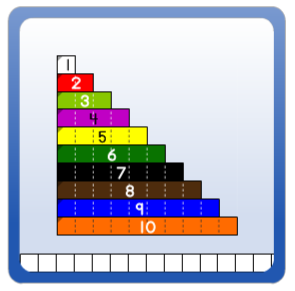
Whole Number Rod Examples |
 |
||||
|
|||||
|
|
||||
|
|||||
 |
|||||
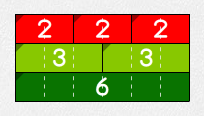
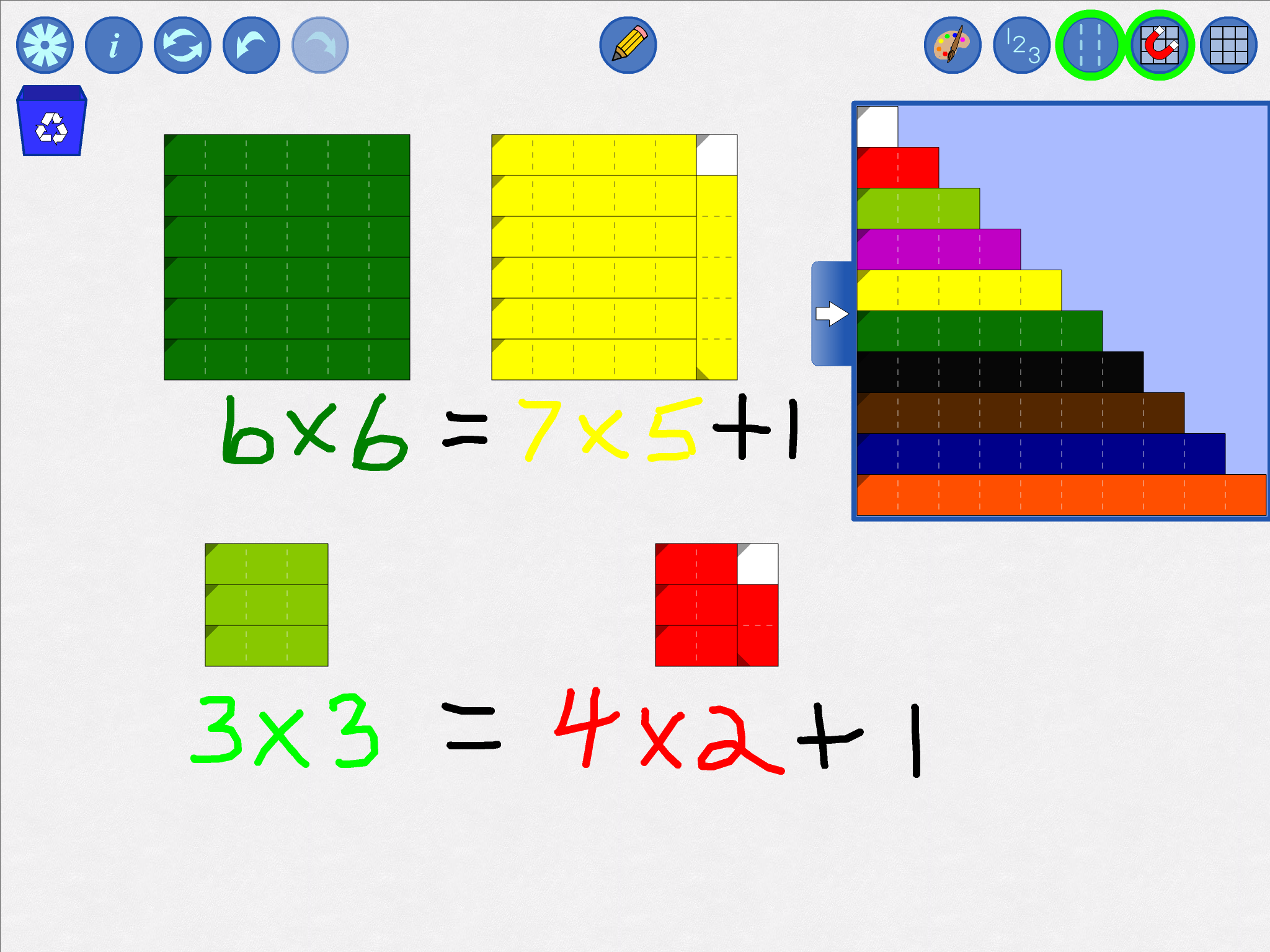
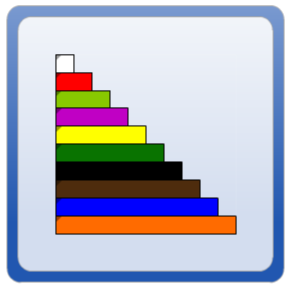
Relational Rod Examples |
|
||
|
|||
|
|
|
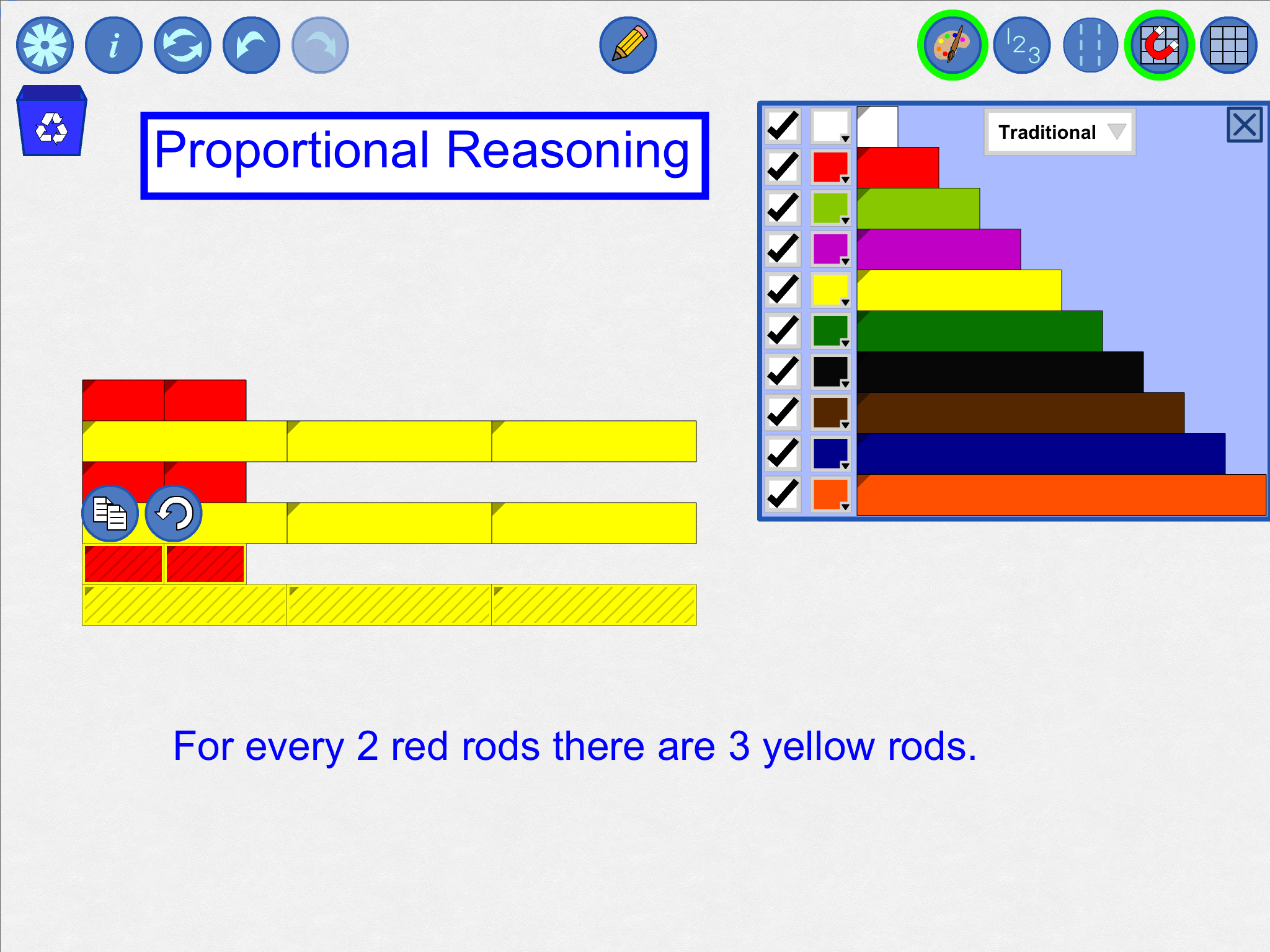
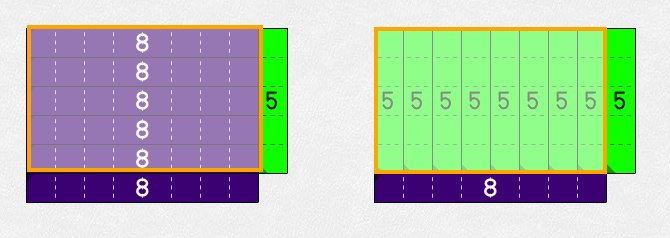
Decimal Number Rod Examples |
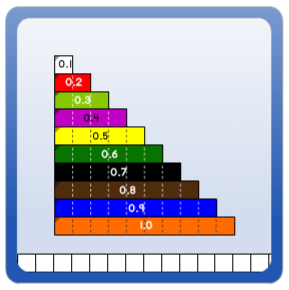 |
||
|
|||
|
|||
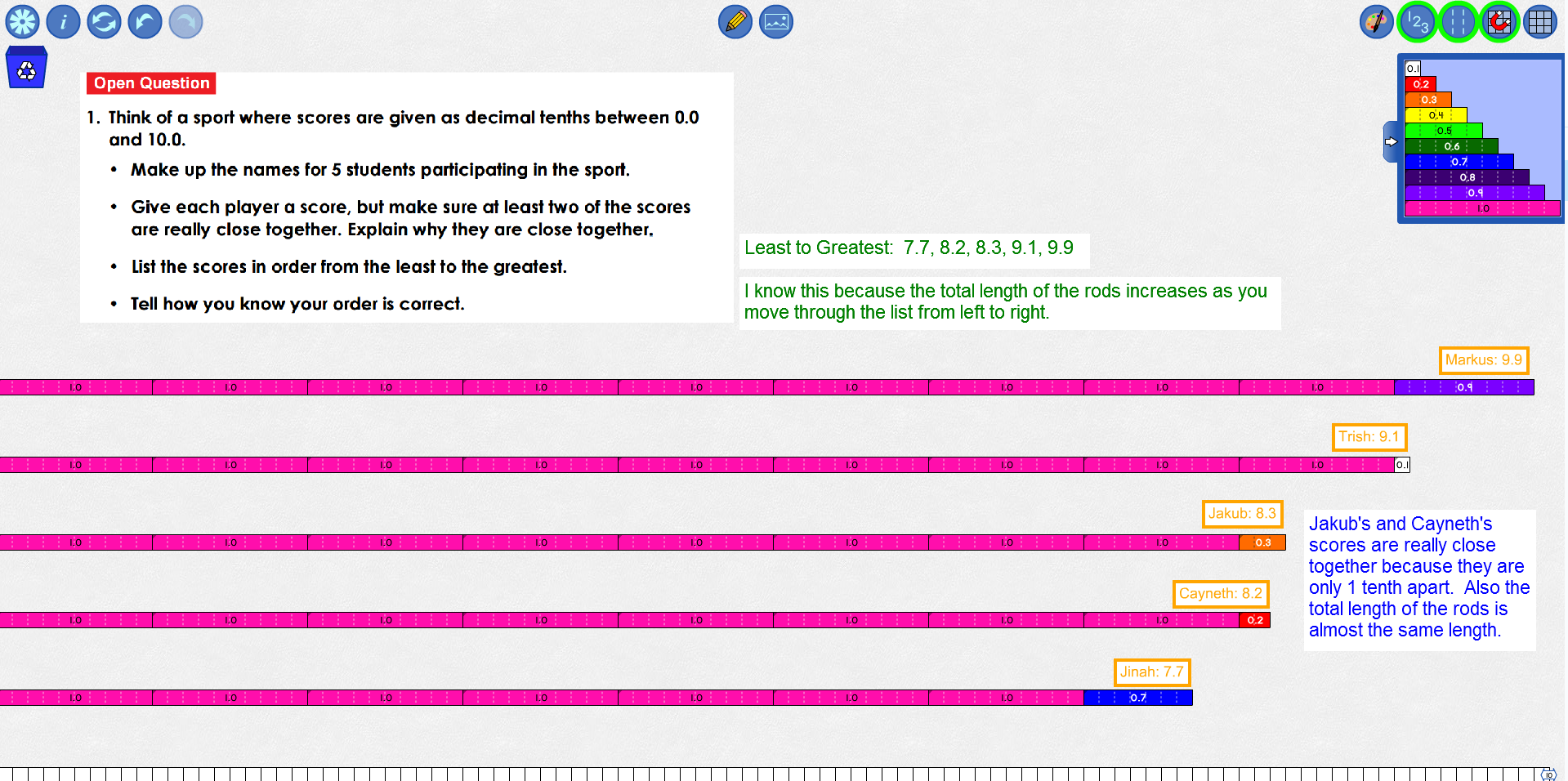
| Block Problem:There are 9 building blocks on a table. Some are black and some are white. If 5 are black, how many white building blocks are there on the table? |
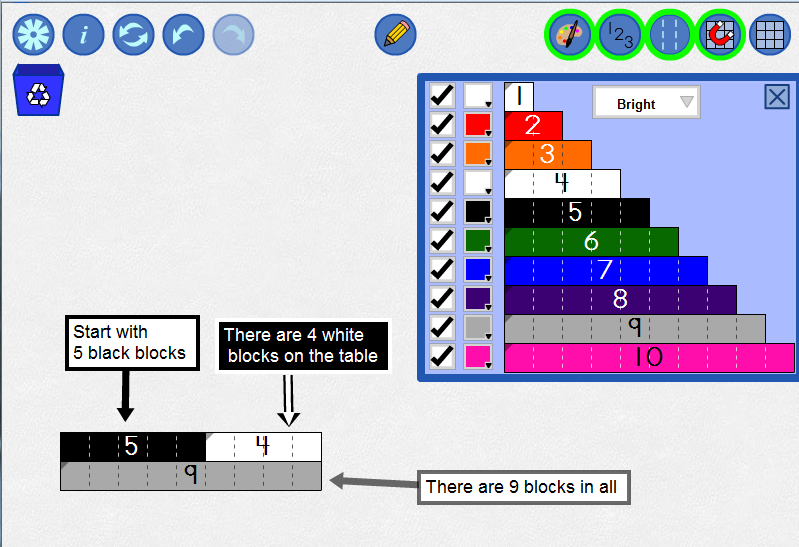 |
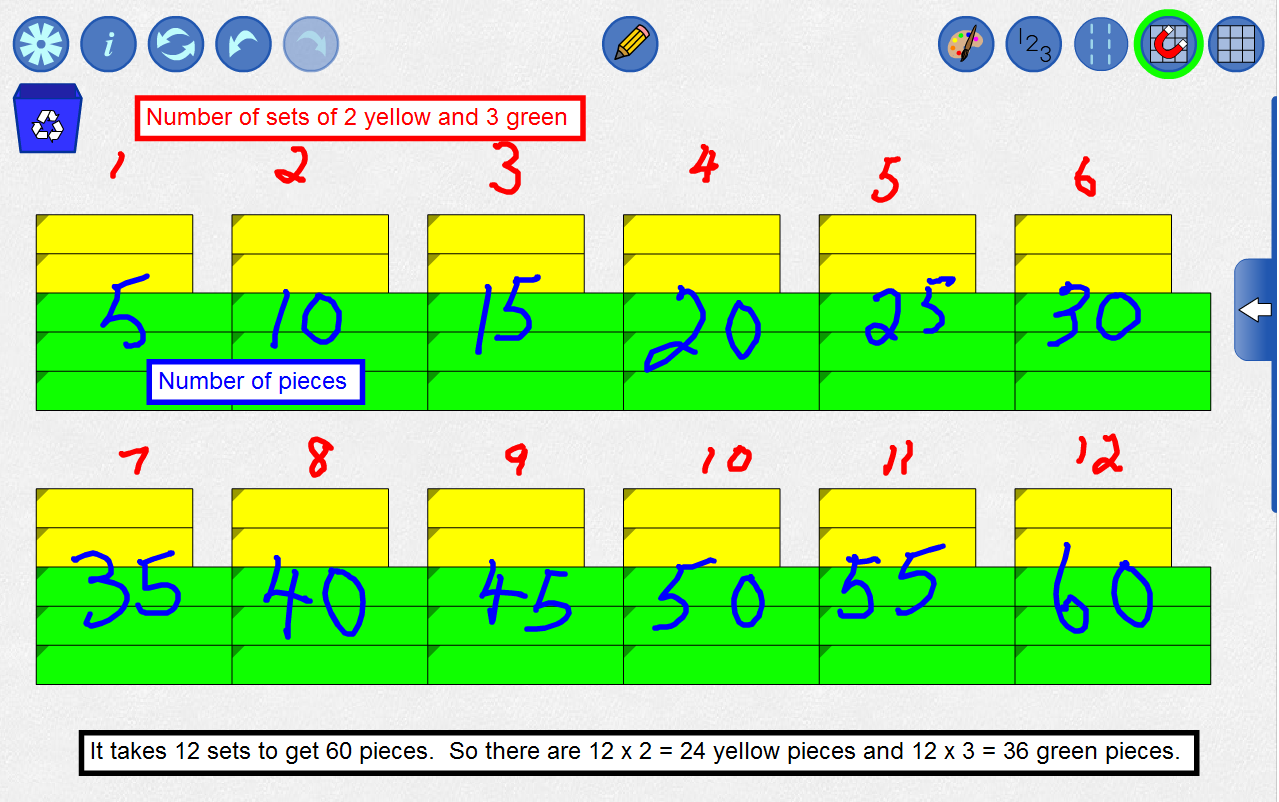
| Quilt Problem: Paul’s grandmother is making a quilt. For every 2 yellow pieces in the quilt, there are 3 green pieces. If there are 60 pieces in the quilt, how many are yellow and how many are green? |
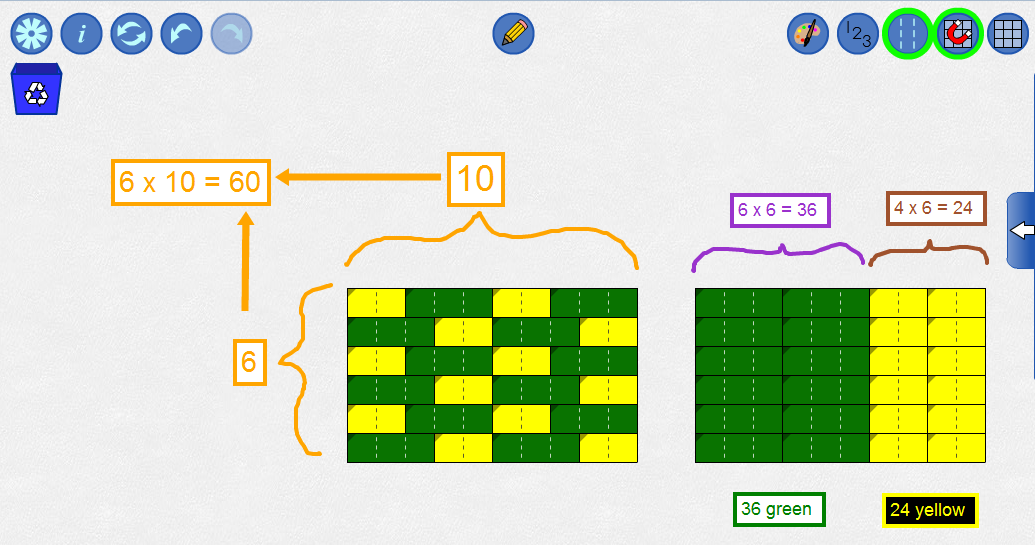 |
 |
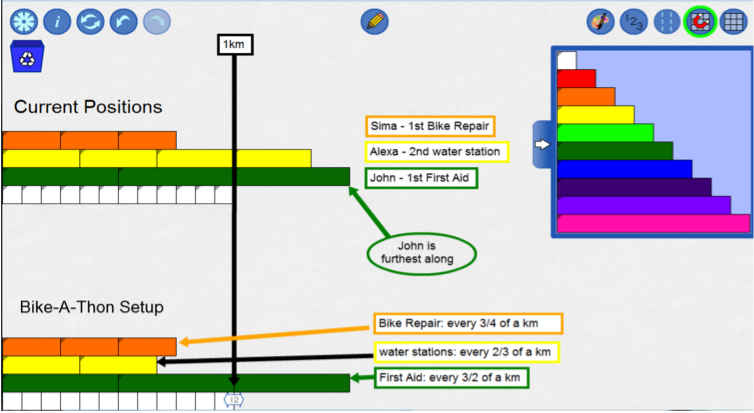
| Bike-a-thon Problem: Students are participating in a bike-a-thon to raise money for cancer. To help the participants have a successful bike-a-thon, the organizers have set up stations along the course.
Alexa is at the second water station, and Sima is at the first bike repair station. Who is furthest along the course? |
 |
 in the Settings dialog and supply the URL, or
 in the tool, or
| Sample |
URL |
|
(type or copy into Open WWW text box, or right-click and save locally) |
|
|
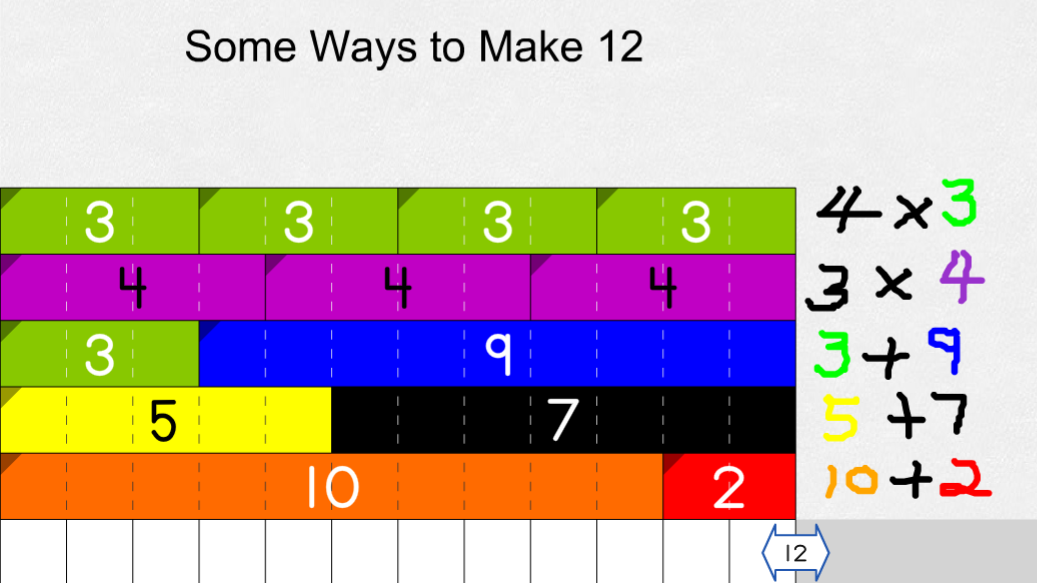
Composing Twelve |
https://mathies.oame.on.ca/files/examples/RR_Ex1.xml |
|
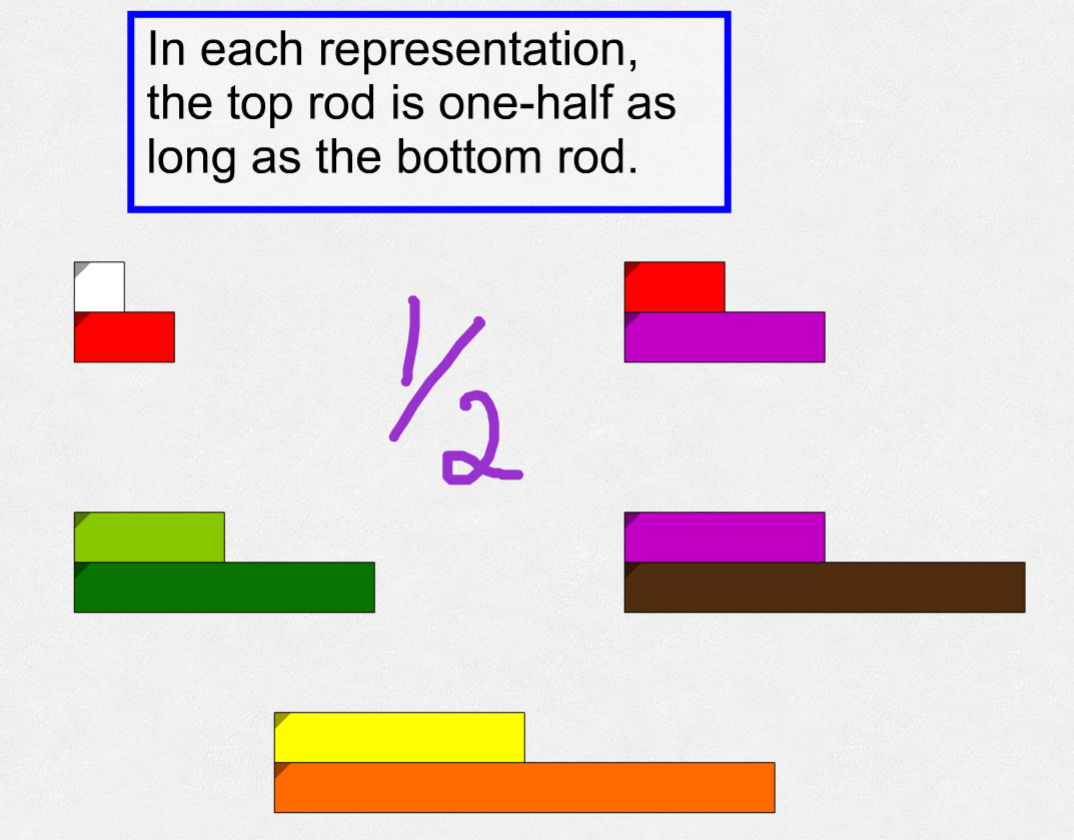
Representing One Half |
https://mathies.oame.on.ca/files/examples/RR_Ex2.xml |
|
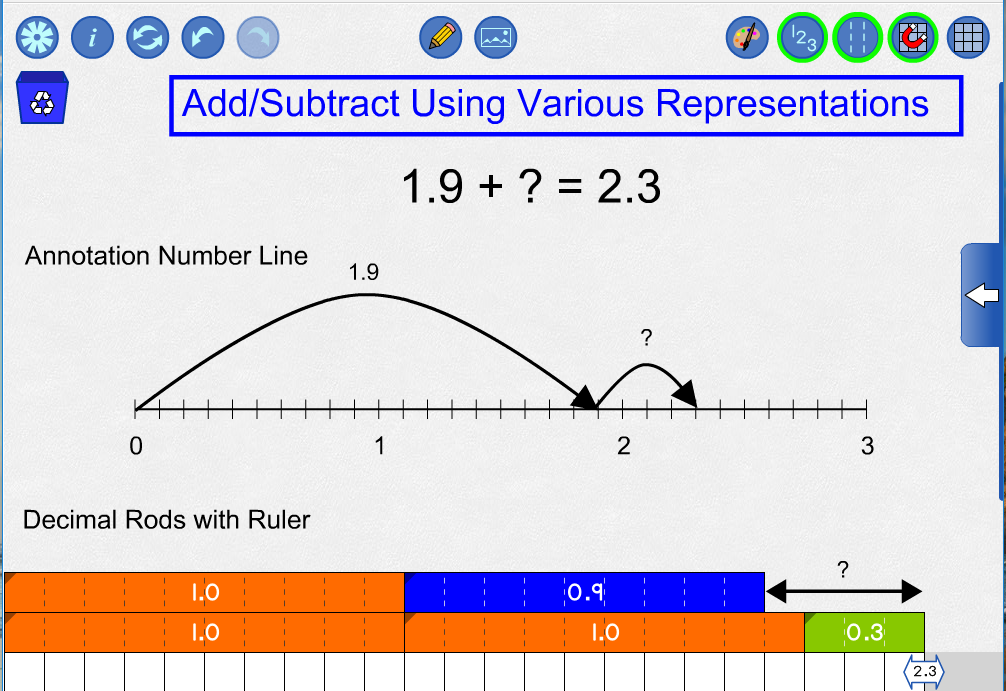
Decimal Addition |
https://mathies.oame.on.ca/files/examples/RR_DecimalAdditionWiki.xml |
|
Base Ten |
https://mathies.oame.on.ca/files/examples/RR_BaseTen.xml |
 |
Settings Provides the opportunity to:
|
 |
Information Access
|
 |
Reset Delete all your work and go back to the opening screen. |
 |
Undo / Redo Step backwards or forwards through your actions with the tool. This feature is not only useful for backtracking when a misstep is made, it enables a student to demonstrate their work from the start to the finish. They press Undo until they are at the start of their solution and then press Redo repeatedly, explaining each step. . |
 |
Annotation Tool Enter "annotation mode" which allows the user to use drawing, text boxes and shapes to highlight parts of the tool, explain thinking or record information. More details. 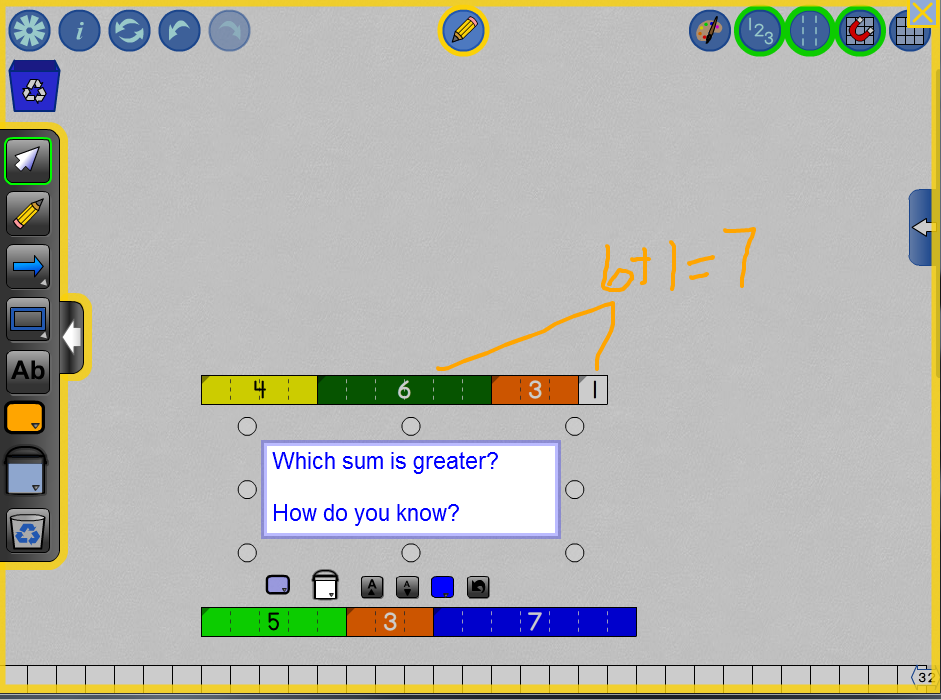 |
 |
Insert Image ButtonYou can insert images into the tool (as of version 1.1.1). More details. |
 |
Colour Palette Set the colour of individual rods or the colour scheme for the entire set of rods. The “traditional” and "primary" palettes allow the digital tool to more closely match the colours of commercially available manipulatives used in classrooms. It is also possible to hide some of the rods in order to work with a restricted set. 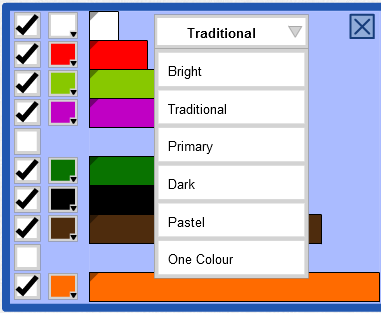 |
 |
Numbered Labels Change how numerical labels are displayed (Whole, Decimal or None). |
 |
Dashed Partitions Show or hide the dashed partitions on the rods. |
 |
Snap To Grid Activate or deactivate Snap to Grid mode. When active, rods snap to discrete positions making it easier to align them. Deactivation allows the free placement of rods. |
 |
Grid Show or hide a grid in the background. |
 |
Multi-Select Select a rod or set of rods by drawing a marquee around them. Click on a rod to add or remove it from the selection. |
 |
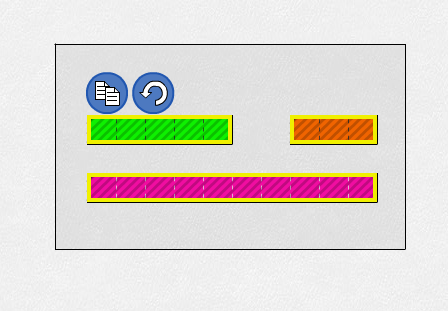
Copy Make a copy of the selected objects. |
 |
Rotate Rotate selected rods. 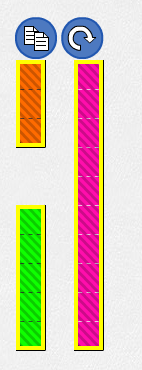 |
 |
Recycle Bin Drag rods to the bin to delete them. Click the bin to delete selected rods or clean up the entire work space. |
 Algebra Tiles
 Colour Tiles
 Fraction Strips
 Money
 Notepad
 Number Chart
 Pattern Blocks+
 Rekenrek
 Relational Rods+
 Set Tool